
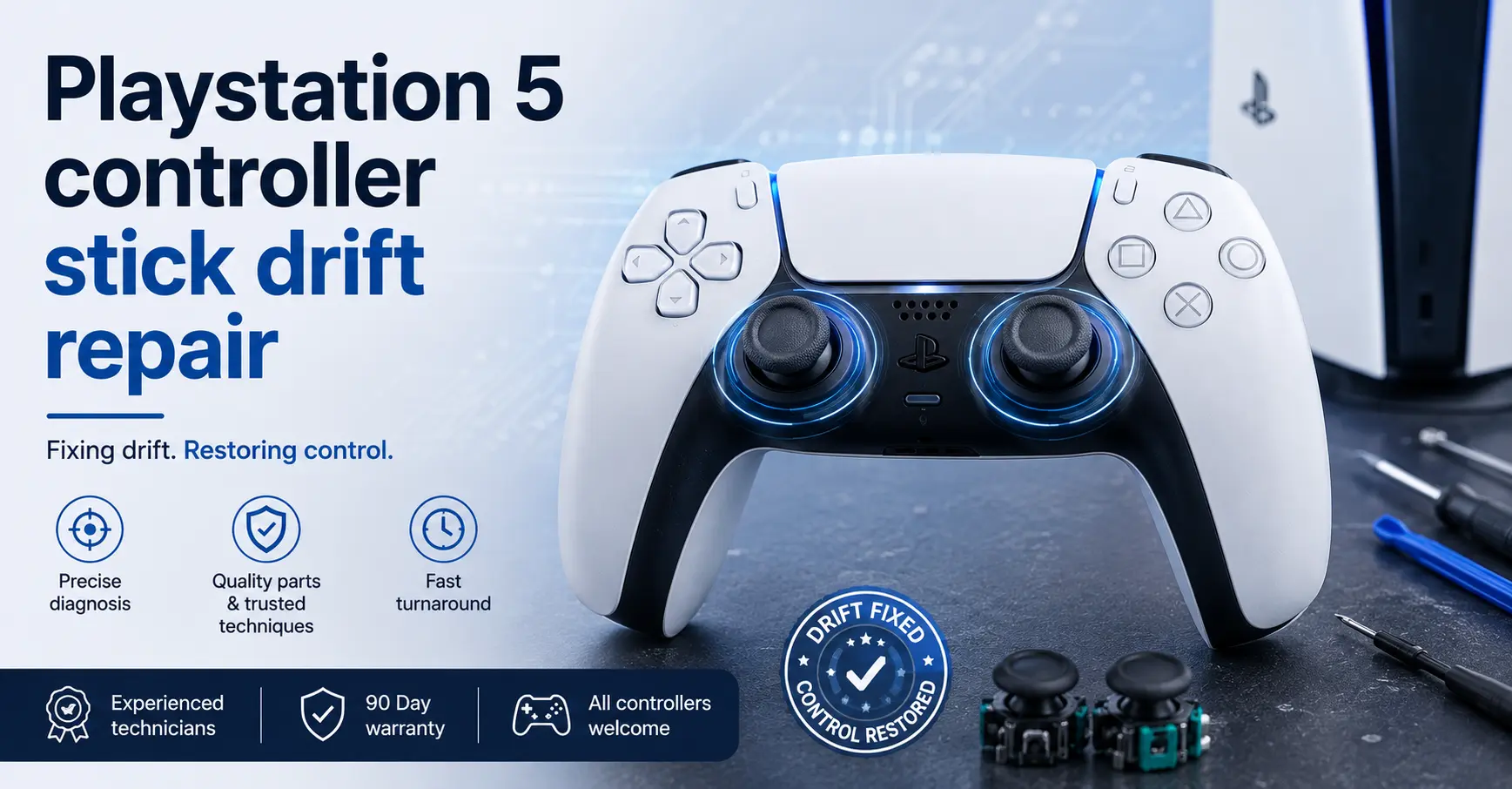
PS5 Controller Stick Drift: Causes, Fixes and Repair
Stick drift is hardware, not settings
PS5 controller stick drift is a hardware fault — the analogue stick module inside the controller has worn, and it is reporting movement when your thumb is nowhere near it. Cleaning and recalibrating can mask it for a few weeks; replacing the thumbstick module is the only fix that lasts. Our PlayStation repair team sees this fault more than any other DualSense issue.
Work through the checks below before you write the controller off. Some of what people call drift turns out to be a sticky stick collar or a firmware quirk. If it is genuine drift, you can book a controller repair at any of our stores.

What is PS5 stick drift, exactly?
Your character walks slowly to the left when you are not touching the stick. The camera creeps. A menu cursor slides on its own. In a shooter, your aim pulls a fraction off-centre every time you let go. All of those are the same fault expressed differently: the controller is reading a non-zero input at rest.
Each analogue stick sits on top of two potentiometers, one reading the X axis and one the Y axis. Inside each is a small carbon resistive track with a metal wiper arm dragging across it. Where the wiper sits on the track determines the voltage the controller reads, and the controller converts that voltage into a stick position. That is the whole mechanism, and it is a mechanical contact wearing against a coating — so it is a consumable part by design.
Why does stick drift happen?
Carbon track wear
Every hour of play drags the wiper across the same narrow band of carbon. Eventually the coating thins and the voltage at centre no longer reads as centre. This is the most common cause and the one cleaning cannot touch.
Contamination
Dust, skin oils and carbon debris settle on the track and change its resistance. This is why drift can appear suddenly rather than gradually — and it is the one cause where a clean genuinely fixes the problem.
Spring and housing fatigue
The centring spring loses tension, so the stick no longer returns to exactly the same resting point. Heavy use accelerates it, and so does anything that puts side load on the stick — a controller dropped or knelt on with the stick taking the impact.
Checks worth doing before you assume drift
Test the stick properly
Put the controller down on a flat surface, hands off, and watch a menu cursor or an in-game camera for thirty seconds. Then try a second game. Drift that appears in one title and not another is far more likely to be a game deadzone setting than a hardware fault — and many games now expose a deadzone slider you can raise.
Update the controller firmware
Connect the controller by cable and check for a controller firmware update through the console settings. This will not repair a worn potentiometer, but it rules out a software cause in two minutes and occasionally resolves odd input behaviour that looks like drift.
Reset the controller
There is a small reset hole on the underside of the controller. A paperclip pressed and held for a few seconds forces a hardware reset and re-pairing. Again, a rule-out step rather than a repair, but it costs nothing.
Clean around the stick collar
Push the stick fully to one side to expose the gap beneath the rubber collar, and work a small amount of isopropyl alcohol in with a cotton bud while rotating the stick through its full range. Let it dry fully before powering on. Do not use household cleaners, water, or compressed air blasted directly into the mechanism — the first two leave residue and the third drives debris deeper into the track.
Why cleaning only buys you time
If contamination is the whole problem, cleaning fixes it. In our experience that is a minority of cases, and the giveaway is how quickly the drift comes back. Clean a contaminated stick and it stays fixed. Clean a worn stick and the drift returns within days or weeks, because you have removed the debris but the carbon track underneath is still thinner than it was designed to be.
Raising the in-game deadzone is the software equivalent of the same compromise: it hides the fault by telling the game to ignore small inputs, at the cost of the precision you bought the controller for. It is a workaround for a tournament night, not a repair.
The permanent fix: thumbstick module replacement
The module is soldered to the controller board — it does not unclip. Replacing it properly means opening the controller, disconnecting the battery and ribbon cables, desoldering the module’s legs without lifting a pad, fitting the new unit square to the board, resoldering, and then testing across the full range of both axes before reassembly.
That last step matters more than people expect. A module fitted a fraction out of square will bind at the extremes of travel, which shows up as a stick that feels fine in the centre and stiff at the edges. Testing before reassembly is the difference between a repair and a re-repair.
Because this is component-level soldering work, it carries our 3-month warranty on soldering repairs unless we state otherwise on your job sheet. Our full terms are set out on the CrC Repair® warranty page.
Repair the controller or replace it?
| Situation | What we would do |
|---|---|
| One stick drifting, controller otherwise perfect | Replace that module. Straightforward repair, and the rest of the controller has plenty of life in it. |
| Both sticks drifting | Replace both modules in one job — opening the controller twice makes no sense. |
| Drift plus a dead trigger or failing battery | Repair together in a single strip-down; the labour overlaps. |
| Drift plus liquid damage on the board | Diagnose the board first. Corrosion decides whether the controller is worth saving. |
| Cracked housing, several faults, heavy wear | Worth a frank conversation at the counter about replacement instead. |
Other controller and console faults we fix
Drift rarely arrives alone on a well-used controller. We also handle unresponsive or sticking adaptive triggers, worn shoulder buttons, USB-C charging ports that only hold at an angle, batteries that no longer last a session, and rattling or grinding rumble motors.
On the console side, our gaming console repair service covers HDMI port replacement, power supply faults, disc drive problems and deep cleaning for consoles that have started running hot and loud. We work on Xbox and Nintendo hardware too — Joy-Con drift is the same failure mode in a smaller housing.
Where to get a PS5 controller repaired
Bring the controller into any CrC Repair® store. Pocket Geek Romford by CrC Repair® sits just outside the Liberty Shopping Centre on Romford Market and is open Monday to Wednesday and Friday to Saturday, 10am to 6pm — the store is closed on Thursdays. Our Norwich store on White Lion Street, opposite Primark and a minute from Norwich Castle, opens Tuesday, Wednesday, Friday and Saturday from 10.30am to 5pm, and is closed Monday, Thursday and Sunday. Our Stoke-on-Trent branch at Tunstall Trade Park has free parking on site and opens Monday to Friday, 9.30am to 5.30pm.
We are an Insurance Approved Repair Centre. Our quality of repair is approved by the world’s biggest insurance provider.